Key things to know before buying a printer
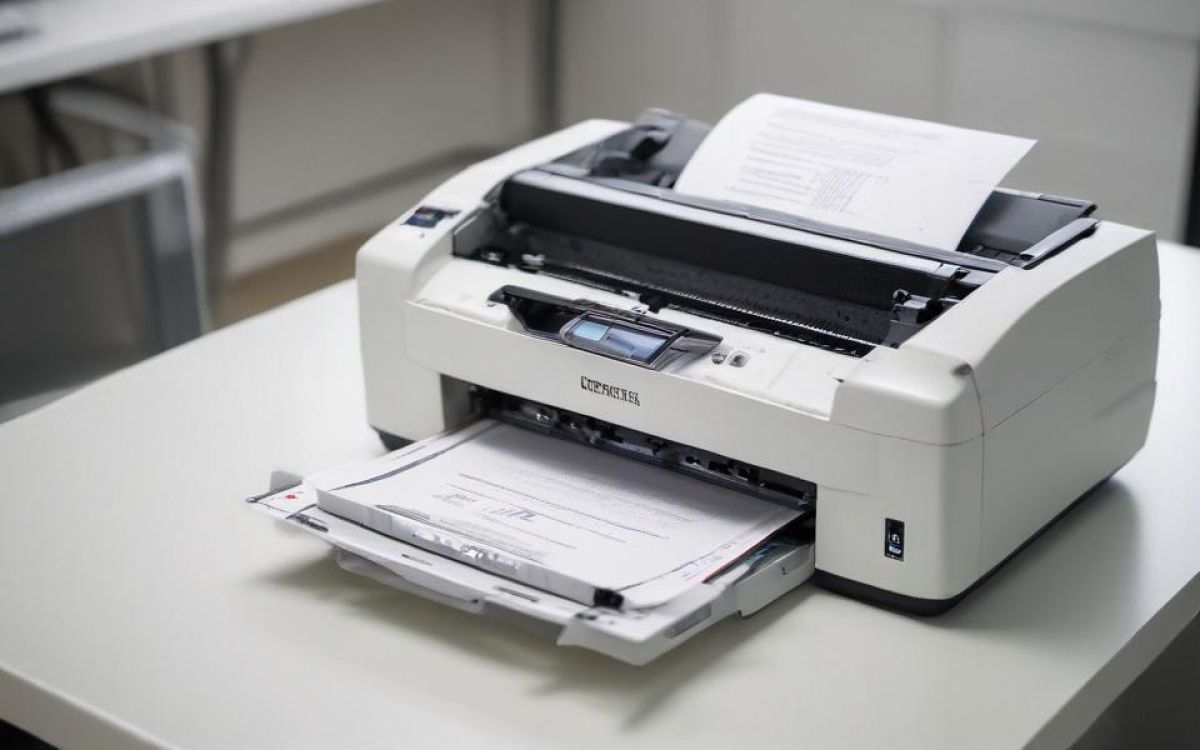
A printer is required for various purposes, whether for home or office use. From school assignments and remote work tasks to printing photos, labels, and shipping documents to meet everyday tasks, different needs require different types of printers. When planning to buy a printer, it helps to choose one with features that align with specific requirements. One can simplify the decision by comparing several printer types, key features, and price ranges.
Determine printing needs
Before choosing a particular printer, first consider the print volume. Most households have light printing needs, meaning they print just a few pages a week. But others may require heavier use, especially when they have to regularly print school worksheets, reports, business documents, or frequent labels. Also, the type of content to be printed matters. Some users stick to mostly text pages, while others need a mix of charts and graphics. Additionally, if one is dealing with photo-heavy projects, the printer must provide features that are mostly available only in select models.
Make sure to look out for space and noise levels as well. For tight spaces like small desks, compact models are a better fit. In office environments, quieter printers are generally preferred to maintain a peaceful workspace.
Check popular printer types
Several types of printers are available, each catering to different printing requirements and budgets.
Inkjet printers
Inkjet printers are versatile devices that can handle text and color graphics, making them suitable for home projects and photo printing. The upfront prices of these printers typically range from $50 to $200, with entry-level models costing between $50 and $90. On the other hand, all-in-one versions that include scanning and copying capabilities are usually priced around $120–$200.
Laser printers
If one’s primary need is for heavy document printing, laser printers are an excellent choice. They consistently deliver sharp text and are available in both monochrome lasers and color models. Monochrome laser printers can print black-and-white pages at a low cost per page, with prices ranging from $80 to $300; basic models generally fall between $80 and $250. Meanwhile, color laser printers can handle charts and basic graphics in addition to text, but they tend to be priced higher than their monochrome counterparts.
Ink tank or supertank printers
These printers use refillable tanks instead of traditional cartridges. This design helps keep the cost per page low for many users compared with other printers. The overall cost for these printers ranges from $200 to $400, with most models equipped with color and all-in-one features priced at around $250–$350. These options are ideal for homes and offices that regularly print color-based documents and photos.
Key features to consider
Print speed
This is measured in pages per minute (ppm) for black text and color pages. Many inkjet printers from top manufacturers can achieve 10–20 ppm for text, while laser printers typically deliver 20–40 ppm. Higher speeds are usually suitable for households or offices that need to print reports and labels quickly.
Print quality
Resolution determines the print quality of a printer. Higher resolution allows more detail to be visible in a printed document or photo. Most of the time, a resolution of 600 x 600 dpi is sufficient for text. For photos, a resolution of 4800 x 1200 dpi is suitable. This means that if a printer is needed mostly for photo projects, it should ideally have a higher dpi rating.
Multifunction tools
Some of the most popular all-in-one models can scan at higher resolutions like 1200 dpi, copy multiple pages, and include fax modems. These multifunction tools are typically used in home offices and school projects, where frequent, quick document copies are required without purchasing an additional copier.
Connectivity
The connectivity options typically include USB for direct connections, dual-band Wi-Fi for stable wireless, Ethernet for offices, AirPrint for iPhones, and Google Cloud Print or Mopria for Android. With these features, a printer can be used to print from any device, including phones, laptops, or tablets.
Paper handling
Most printers have trays that can hold 100–500 sheets. Also, many can support 8.5×14 legal paper, #10 envelopes, 4×6 photo stock, or cardstock. Some also have automatic duplex printing to print on both sides, saving paper on school reports or manuals.