Key things to know about software protection for devices
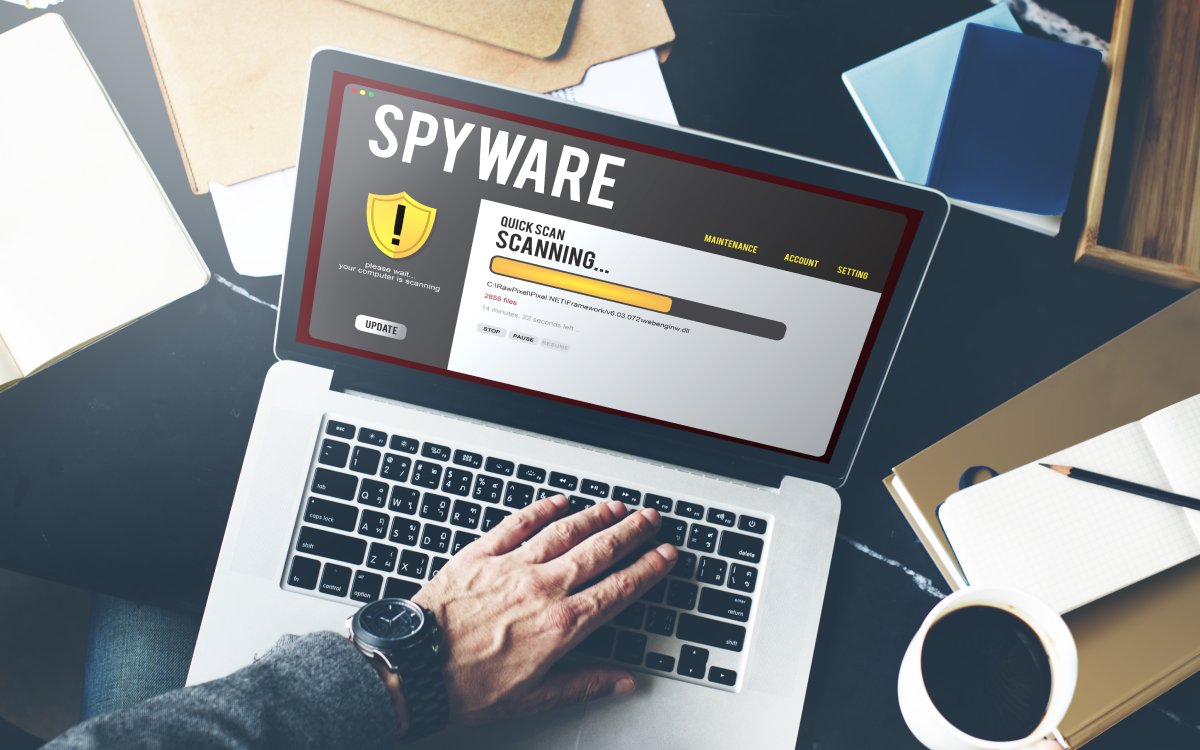
Tech devices, such as smartphones, laptops, and tablets, have become a part of daily life for everyone. Whether for professional or personal purposes, these devices have made it easier to multitask and stay connected with others. However, they are susceptible to cyberattacks. To reduce the risk of cyber threats that may compromise sensitive information and affect system performance, installing software protection across all devices is advisable.
Common threats to device security
Software protection works like a digital shield. It involves monitoring background activity to keep hardware safe. It also includes anti-malware and antivirus programs that target specific viruses. In addition, there are full security suites, such as firewalls, that add an extra layer of protection. All of these tools continuously scan files in real-time to prevent threats. At the same time, certain malware removal tools help clean existing infections.
Most of the time, common digital threats are hidden in downloaded files and messages that appear to be legitimate but are deceptive.
Viruses and Trojans
These are programs that duplicate themselves or create backdoors for hackers.
Ransomware
These include malicious code or programs that are deceptively entered into a device to lock personal information for a ransom.
Spyware
These are hidden software programs that track keystrokes to steal passwords.
Phishing
Fake links are created to trick individuals into installing harmful software.
How to choose the right device security software
When choosing security software for a device, consider how it is generally used and the level of protection required. Most standard antivirus software works by identifying and blocking commonly known viruses and basic malware threats. For a more comprehensive coverage, an internet security suite can be used, as it has essential extras. These extras usually include a firewall, safe browsing tools, a VPN, and a password manager. There are also dedicated malware-removal tools that are excellent for a second layer of security. These extras scan the system to see if a virus is already present on the device.
When comparing options, look at a few key features that ensure reliable protection for all devices.
Real-time scanning
With this, automatic checks of files and apps are done the moment they are accessed.
Automatic updates
These keep the software ready to fight the latest threats without any manual effort from the device user.
Multi-device support
It covers all types of devices across different operating systems, from Windows laptops to iPhone, under one plan.
Web protection
Harmful websites and suspicious downloads are flagged before they can cause any damage to the device.
User-friendly design
A software dashboard makes it easy to see the device’s security status at a glance.
Many top brands, including Norton, Bitdefender, Kaspersky, and McAfee, offer antivirus protection and malware removal tools. Customers can get free versions of the software that offer basic scanning. Installing a free version is a good way to check whether a specific software is a good fit. By upgrading to a paid plan, individuals can unlock additional layers of defense to cover multiple devices.
Keep software updated and clean
An effective and simple way to keep devices safe and secure is to update security software on a regular basis.
Operating system patches
These are updates for systems like Windows and iOS that fix security holes hackers use to break into devices.
Threat definitions
Security apps require continuous updates to identify and block the latest malicious programs and viruses.
Automatic settings
These ensure critical fixes are dealt with immediately.
Trusted sources
Always download apps and programs from verified, official online stores and company websites to avoid potential threats to the device.
App audits
They improve device speed while keeping it safe. App audits can be done by removing old, unused programs and browser extensions.
Full system scans
While daily quick scans are helpful, it is also necessary to run full scans weekly or monthly. This helps to remove threats hiding deep within the files.
Troubleshooting
Whenever a device feels slow or shows strange pop-ups, a dedicated malware removal tool can be used to remove the underlying problem.