15 Hidden Samsung Watch Hacks Users Must Try Today
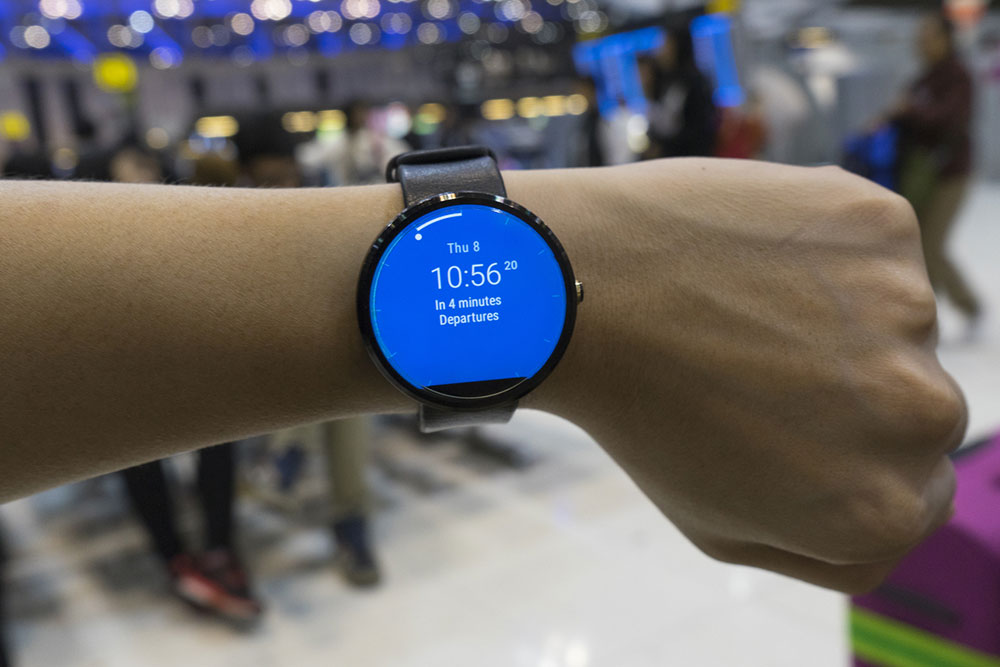
The smartphone market has witnessed remarkable growth, and Samsung has been consistent. In their latest Galaxy Watch series, including the Watch 5 and 6, the brand has introduced impressive functionalities that can replace several standalone devices, such as blood pressure monitors and fall detectors. To fully leverage the potential of these smartwatches, it’s crucial to explore their hidden hacks and features. Here are some lesser-known capabilities of Samsung Galaxy watches that users should be aware of.
Trackback during workouts
Incorporating a valuable tool for fitness enthusiasts, the Samsung Galaxy Watch 5 and 6 allow users to seamlessly navigate their way back along the exact path they came from during workouts. This innovative feature ensures one never loses the way, providing peace of mind while exploring new routes.
Pause workout during fitness tracking
For those dedicated to meticulously monitoring their health and fitness, the ability to pause workouts is a game-changer. Tracking one’s heart rate, distance, calorie burn, and other metrics will be paused when one wants to take a breather or pause by the road for a quick chat. This feature ensures that users can maintain the accuracy of their fitness metrics and that brief breaks or unexpected interruptions do not compromise their data.
Instant temperature readings
The introduction of the “Temperature” feature significantly enhances the functionality of Samsung Galaxy watches. It enables users to perform thermocheks, including checking the temperature of liquids like water or coffee. Individuals can obtain precise temperature readings by merely submerging the watch and activating this feature.
Blood pressure monitoring
In Galaxy Watch 5 PRO and Watch 6, users can check their blood pressure through the phone. To do this, one needs to calibrate their smartwatch with an actual blood pressure monitor through the Samsung Health Monitor app. One should manually input three readings for the first time to allow the watch to establish one’s baseline data. Later, the smartwatch can check one’s blood pressure at any time.
Find phone feature
The Samsung Galaxy smartwatch simplifies phone or watch retrieval. Users can trigger a ring on their phone from the watch by tapping the “search” icon. It also works the other way around. One can click the “Ring” feature in the paired smartphone’s wearables app to locate one’s watch.
Streamline smart home management
Integrating the SmartThings app in Samsung Galaxy smartwatches empowers users to control their smart home devices effortlessly. This feature can help one to manage a single connected device like the television under “Individual device control” or give a single command to multiple devices through a single tile under the “multi-control” feature. It adds to the convenience when it comes to smart home management.
Media controller
The media controller feature on the Samsung Galaxy Watch 6 offers users seamless control over all media played on their connected phones. This includes the ability to adjust volume, restart videos, skip forward, and manage every aspect of their media playback, providing a convenient and versatile entertainment experience right from their wrist.
Detect falls with motion sensors
The built-in motion sensors in Samsung smartwatches provide an additional layer of protection. These sensors can detect falls and trigger automatic alerts or calls for assistance, offering wearers and their loved ones peace of mind, mainly when accidental falls occur.
Remote control for the phone’s camera
With the Galaxy Watch 5 and 6, users can zoom, record, or snap without physically handling their phone. The remote camera control feature allows individuals to zoom in and out by simply turning the watch’s bezel and capturing moments using the smartwatch’s buttons.
Read notifications aloud
The Galaxy smartwatches allow users to listen to their notifications and provide two choices of reading modes: “read briefly” or “read in detail.” This feature is especially suitable for those with visual impairment or where reading text on the watch’s screen is not feasible. The customization also ensures that users have essential information at their disposal, even when they cannot glance at their wrists, further improving the usability of these watches.
Decline calls with a gesture
The “Dismiss alerts and calls” option simplifies call management for users. Individuals can promptly decline incoming calls and notifications by rotating their wrists twice. This gesture-based control ensures that users can remain focused and undisturbed in various scenarios, making it a practical feature for meetings, workouts, or any situation where interruptions are undesirable.
Change watch animation
Samsung Galaxy Watch 5 and Galaxy Watch 6 have a hidden developer mode for advanced customization. One can access it by navigating to “Settings,” selecting “About Watch,” and tapping “Software Version” five times. This unlocks “Developer Options” for more profound control over settings, enhancing the smartwatch’s functionality. A notable feature of it is the animation of the watch interface.
Page switch customization
Another feature in the developer’s option is the “Window Animation Scale,” which allows users to change the speed at which their screen changes with each page turn.
Enable Wi-Fi when charging
Turning this feature on in the developer options automatically activates Wi-Fi when the watch is placed on the charger, and it also initiates app updates for added convenience.
Navigation modes
Users can customize driving, cycling, or walking navigations and get the watch to detect a certain activity and launch the mode. This allows the device to sync and seamlessly display navigation guidance on the watch.
The Samsung Galaxy Watch 6 introduces notable feature upgrades, such as sleep analysis, tracking one’s running history, and a personalized heart rate zone that allows users to set the level of their workout intensity. There is also speculation that some of these features might become available for the Samsung Galaxy 5 through future software updates.


