10 Key Features of the Apple Vision Pro Headset
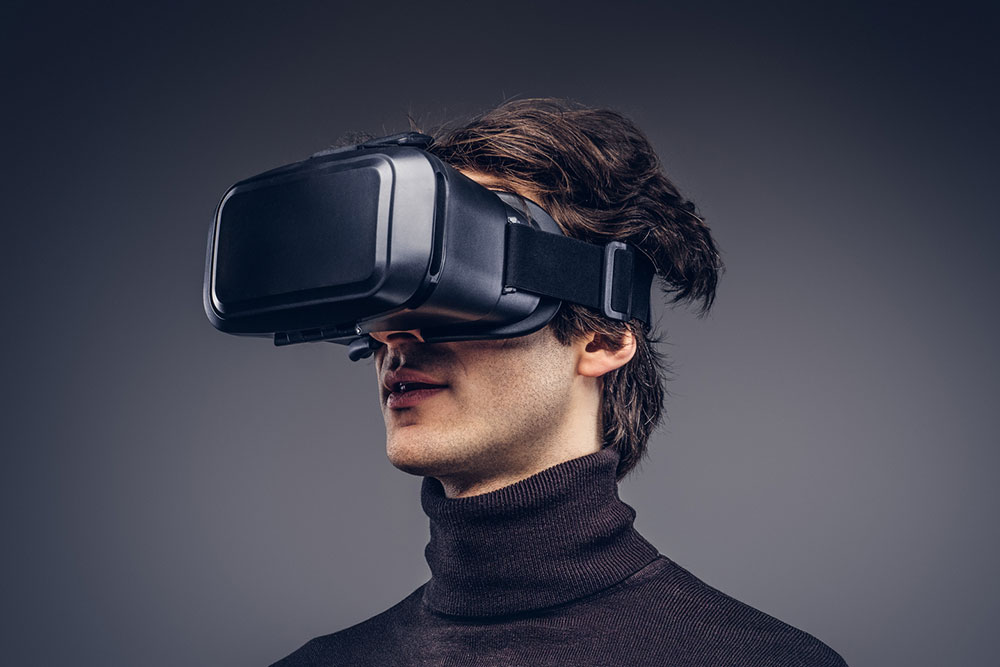
In a remarkable stride towards the future of immersive technology, Apple has ventured into the realm of augmented reality with the introduction of the Apple Vision Pro Headset. This cutting-edge device promises to revolutionize the way users interact with the digital world, seamlessly blending the virtual and physical. With a host of innovative features and an unwavering commitment to design excellence, the Apple Vision Pro Headset is poised to set new standards in AR experiences.
Design and build
The Apple Vision Pro Headset boasts a sleek and ergonomic design that prioritizes comfort and functionality. Crafted with precision, it features lightweight materials and a balanced form factor, ensuring extended periods of wear without causing discomfort. The device is equipped with sensors strategically placed for accurate motion tracking, while the premium materials used in construction exude a sense of sophistication. The headband is adjustable to accommodate a wide range of head sizes, and the visor is expected to be an optimal fit for each user.
Display and optics
At the heart of the Apple Vision Pro Headset lies a high-resolution micro-OLED display system that delivers stunning visual experiences. The optics are designed to provide a wide field of view, ensuring that virtual elements seamlessly blend with the user’s surroundings. The display technology incorporates advanced techniques to minimize motion blur, resulting in sharp and clear visuals even during rapid movements. The adaptive refresh rate dynamically adjusts to the user’s actions, providing a smooth experience regardless of the complexity of the virtual environment.
Audio experience
The auditory aspect of the Apple Vision Pro Headset is no less impressive. It features an integrated spatial audio system that delivers immersive soundscapes. This technology creates a three-dimensional audio experience, allowing users to perceive sounds from various directions, further enhancing the sense of immersion. The headset also includes active noise cancellation, ensuring that users can fully immerse themselves in their augmented reality experiences without external distractions.
Spatial awareness and mapping
One of the standout features of the Apple Vision Pro Headset is its advanced spatial awareness capabilities. The device employs an array of LiDAR sensors and cameras to create a detailed map of the surrounding environment in real time. This allows for precise placement of virtual objects and ensures that they interact seamlessly with physical elements. The LiDAR technology also enables accurate depth perception, facilitating realistic occlusion and object interaction.
Gesture and voice interaction
The Apple Vision Pro Headset introduces intuitive methods of interaction, including gesture recognition and voice commands. Users can navigate through menus, select objects, and perform various actions using natural hand gestures. Additionally, the device integrates with Siri for voice-based commands, providing an additional convenience layer. For instance, users can summon Siri to perform tasks, retrieve information, or provide contextual assistance within the augmented reality environment.
Performance and processing power
Powering the Apple Vision Pro Headset is a custom-designed Apple Silicon chip explicitly optimized for AR applications. This powerhouse ensures smooth performance and responsiveness, even when handling complex virtual environments. Advanced thermal management systems complement the chip to prevent overheating during prolonged use. The M-series chip in the Apple Vision Pro Headset is tailored for parallel processing, enabling real-time tracking, object recognition, and advanced spatial computing tasks.
Battery life and charging
To support extended AR experiences, the Apple Vision Pro Headset is equipped with a high-capacity battery that offers all-day usage on a single charge. The device utilizes fast-charging technology, allowing users to top up the battery between sessions quickly. Moreover, the headset intelligently manages power consumption based on user behavior, optimizing battery life without compromising performance.
Compatibility and ecosystem
The Apple Vision Pro Headset seamlessly integrates with the broader Apple ecosystem, allowing for a seamless transition between devices. It pairs effortlessly with iPhones, iPads, and Macs, enabling users to share content and experiences across platforms. This integration extends to apps and services, ensuring a cohesive user experience. Developers can leverage the ARKit framework to create immersive applications that capitalize on the headset’s capabilities.
Legacy of AR at Apple
The Apple Vision Pro Headset builds upon Apple’s rich history in augmented reality. The company’s ARKit framework has been instrumental in bringing AR experiences to millions of iOS devices, paving the way for the development of more immersive applications. Apple’s dedication to AR innovation has been evident in products like ARKit, which has empowered developers to create compelling augmented reality experiences.
Release date, price, and availability
The Apple Vision Pro Headset has been recently announced, and its availability will start in early 2024. Users have only a few months to wait for the device to be available for purchase. As for pricing, the device is expected to be positioned as a premium offering, reflecting the advanced technology and features it encompasses. The price tag stands at $3,499. However, those who wish to purchase it should keep an eye out for secret sales and deals to get the best price.
The Apple Vision Pro Headset represents a significant leap forward in augmented reality. With its unparalleled design, advanced features, and seamless integration with the Apple ecosystem, it promises to redefine how users interact with the digital world. As Apple continues to push the boundaries of technology, the future of AR looks brighter than ever. The Apple Vision Pro Headset is not just a device; it’s a glimpse into a future where the virtual and physical coexist harmoniously, forever changing the way we perceive reality.


